

Fundraising Page Dashboard
Overview
The Fundraising Page dashboard lets you create a dedicated fundraising landing page for your race! This page is separate from the main event page and focuses specifically on driving donations — featuring your charity's branding, mission statement, and donation call-to-action.
Fundraising Templates
Start from a pre-built template via the Insert Template modal. Templates provide branded layouts with placeholder content you can customize.
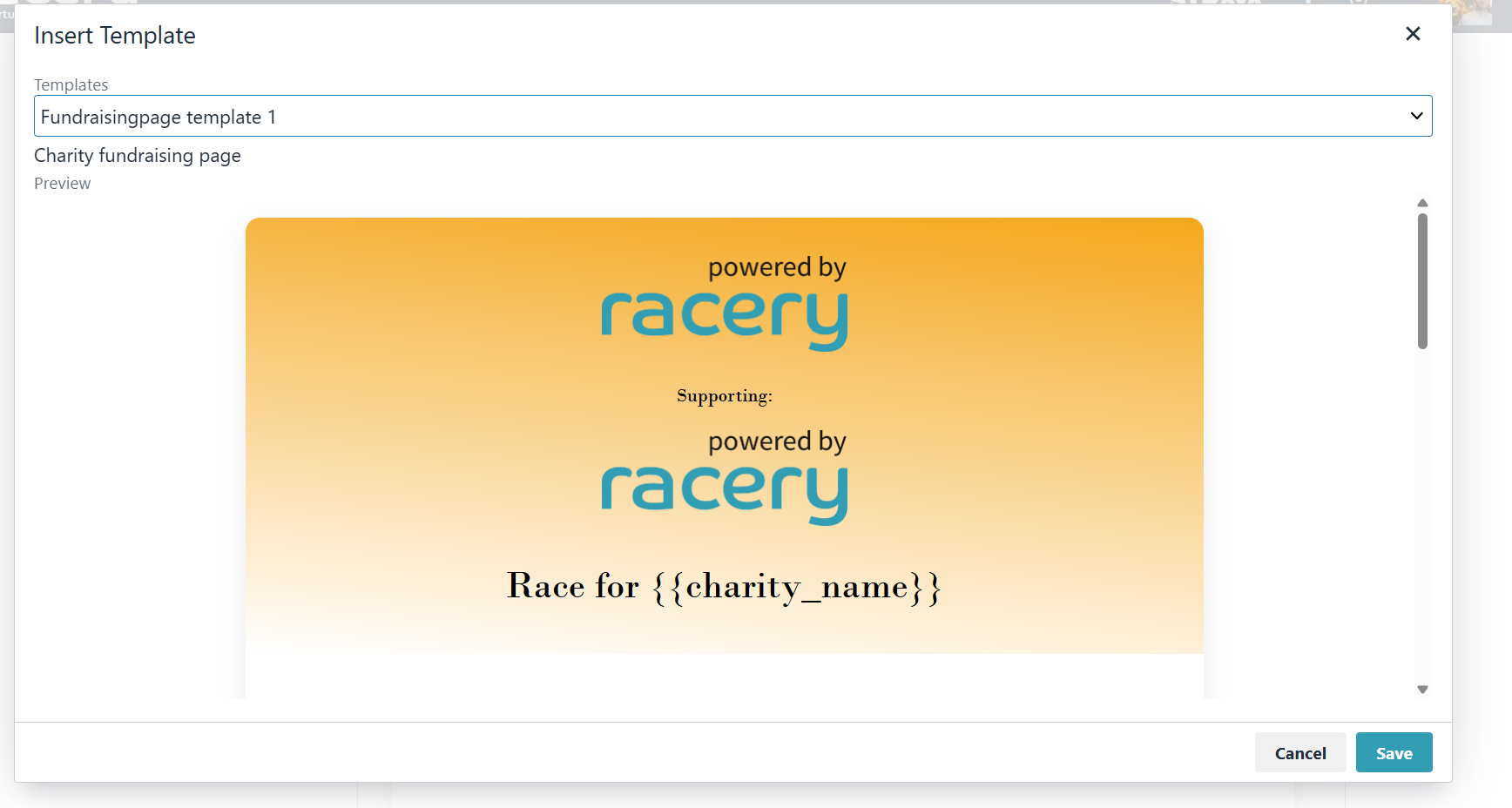
{{charity_name}} variable.Page Editor
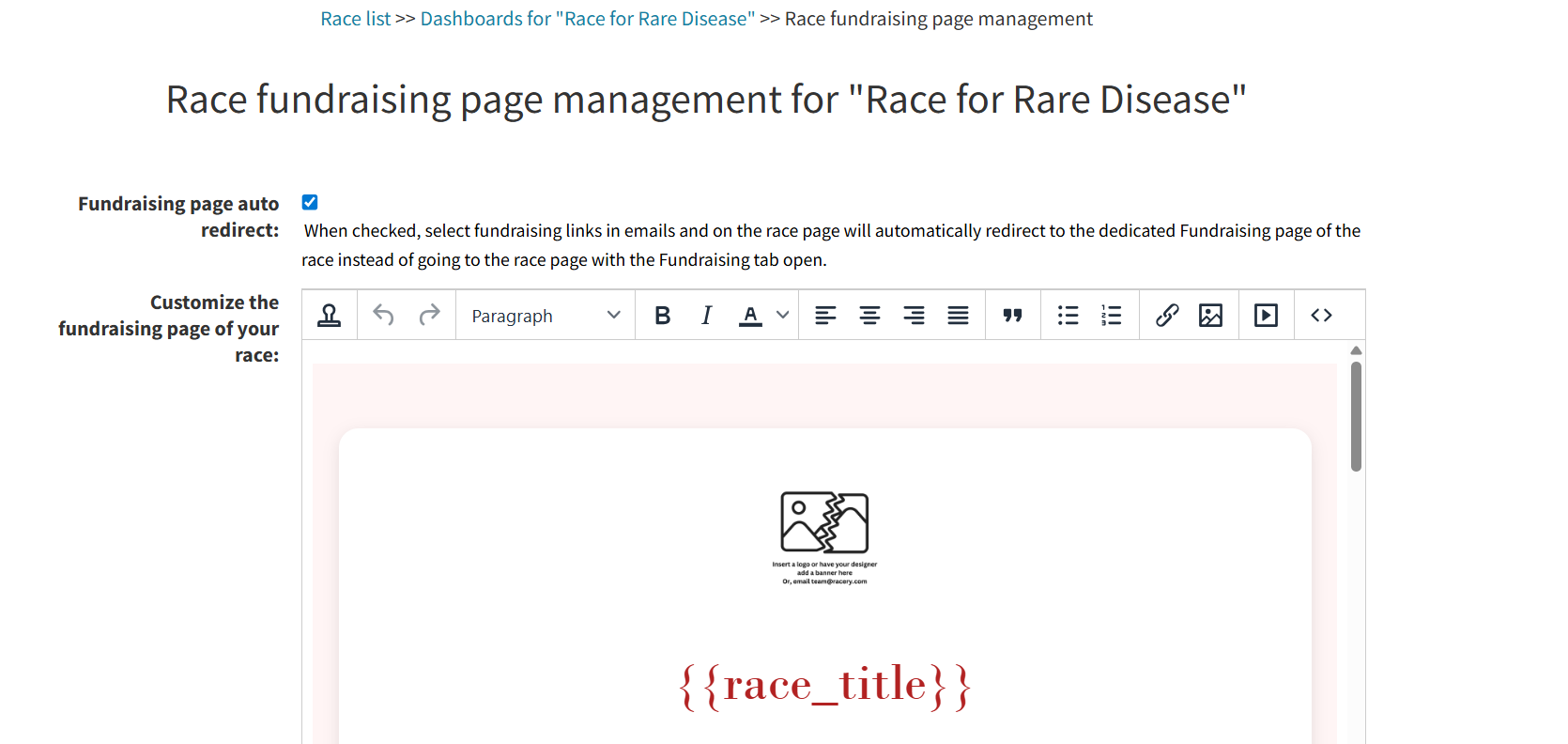
The WYSIWYG editor provides the same rich text toolbar as the Eventpage dashboard: paragraph styles, formatting, alignment, lists, links, images, video, and HTML source view.

Template Variables
Use these variables in your fundraising page content:
| Variable | Displays |
|---|---|
{{race_title}} |
The race name |
{{charity_name}} |
The charity/organization name |
Personal Fundraising Settings
Each racer can personalize their own P2P fundraising page with a headline and pitch. These appear alongside their photo and the race's charity branding.
Auto Redirect
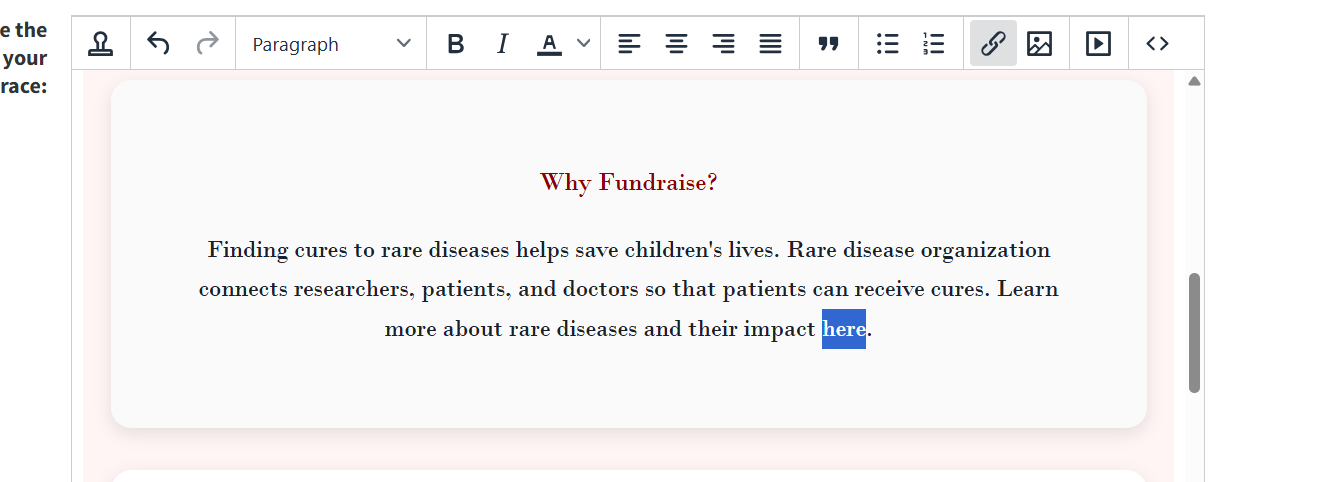
Check Fundraising page auto redirect to automatically redirect fundraising links in emails and on the race page to the dedicated fundraising page instead of opening the Fundraising tab on the main race page.
Live Page Preview
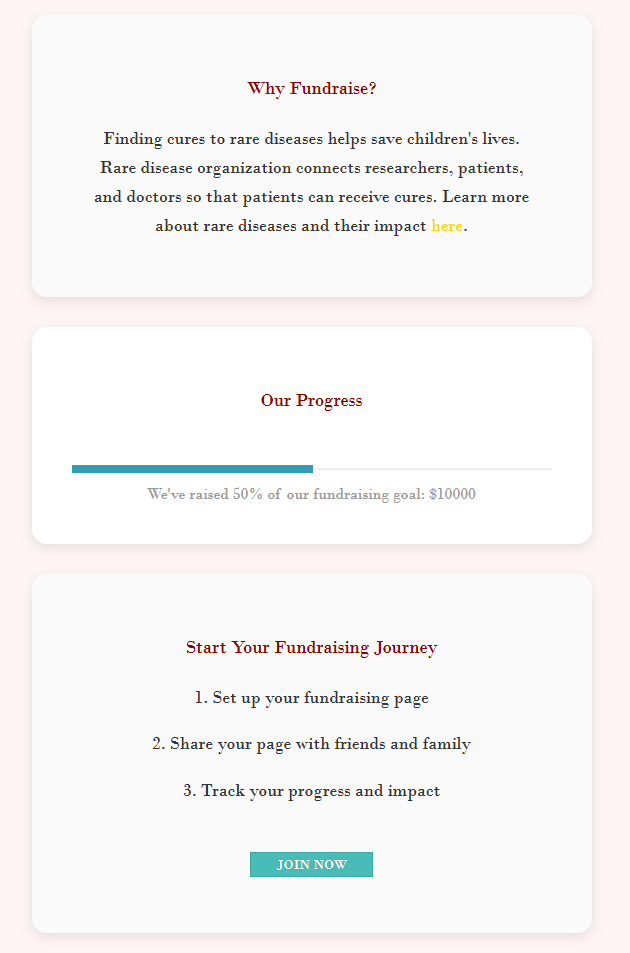
Here's what a completed personal fundraising page looks like to donors:
Next Steps
Fundraising & Charity Races
How donations, P2P pages, and leaderboards work.
Eventpage Dashboard
Customize the main event/registration landing page.
Sponsor Dashboard
Overview of all available dashboard tools.
Contact support if you have questions.